Timelapses

The project tells its own story

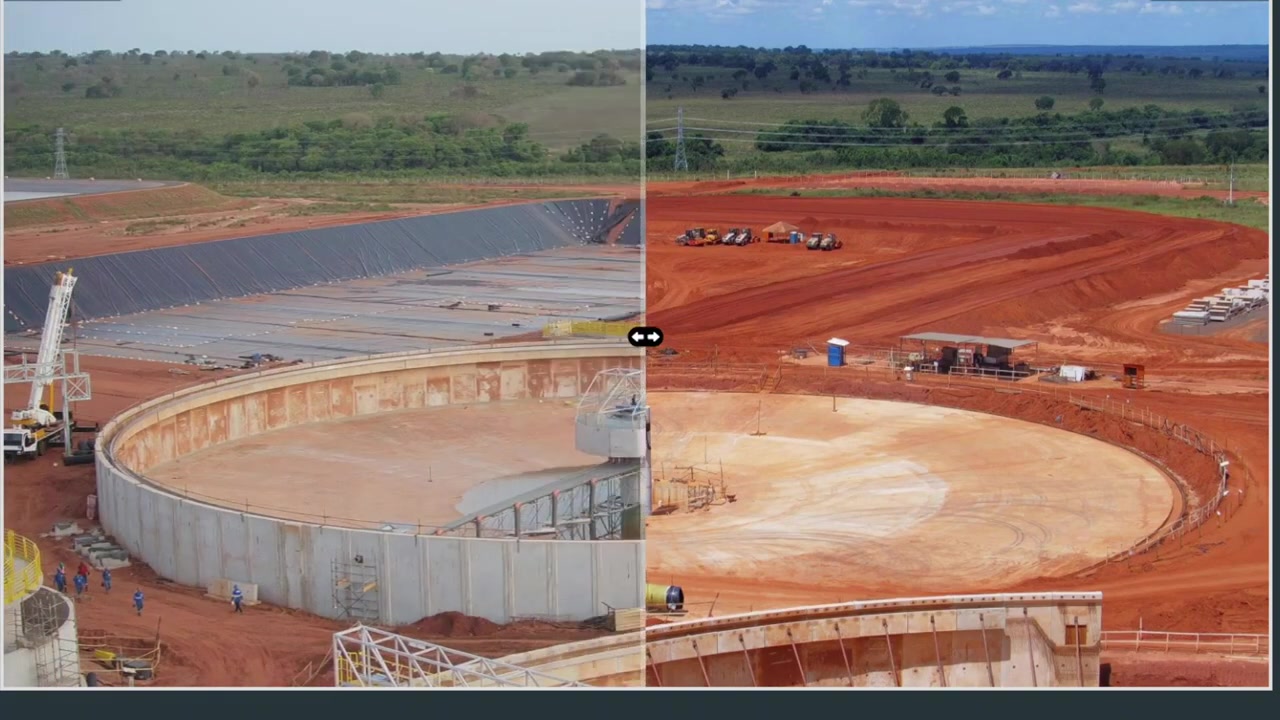
Timelapses generated automatically every day and every 30 days, or created on-demand in the studio with AI — with object marking, heat maps, captions and soundtrack.

1 / 3
Generation Studio

Timelapse Generation Studio

Advanced tool with integrated AI to create professional timelapses with full visual control, directly on the NEXO platform.

Pre-recorded Generation Models

Ready-made models with optimized AI settings. Examples: People Movement Timelapse for the last 30 days, Automatic Daily Timelapse, Excavator Heat Map and more.

Movement 30d Daily Timelapse + models

Spatial Distribution Filtering

Generate timelapses filtered by object category — visualize separately the movement of people, trucks and excavators with precise spatial distribution.

People Trucks Excavators

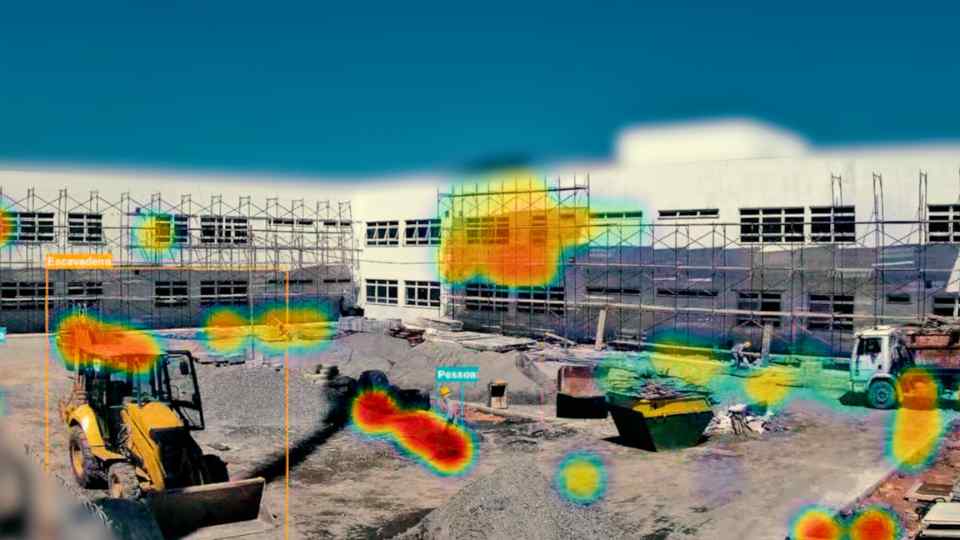
Heat Map Generation

Visualize activity intensity in each area of the site. Heat maps show where the highest concentration of people, trucks and excavators occurs over time.

Low activityHigh activity

Logo Integration

Embed your company or project logo directly in the timelapse. Set position, size and opacity for a professional visual identity in every video.

video preview

Privacy Masks

Define regions of the image that should be hidden — neighboring buildings, public streets or restricted areas. Masks are permanently applied in the final video.

hidden area

Custom Captions

Add dynamic information directly to the video with customizable position and style.

Timestamp Day counter Hour counter Free text

Soundtrack

Add background music to your timelapse to create more impactful videos when sharing project progress with clients and stakeholders. Choose from available tracks or upload your own music.

4K
Preview and export at 3840×2160 resolution
Request a Demo

See the studio in action
on your project

Schedule a demo and discover everything NEXO can do for the visual monitoring of your project.

No commitment. Our team responds within 24 hours.